
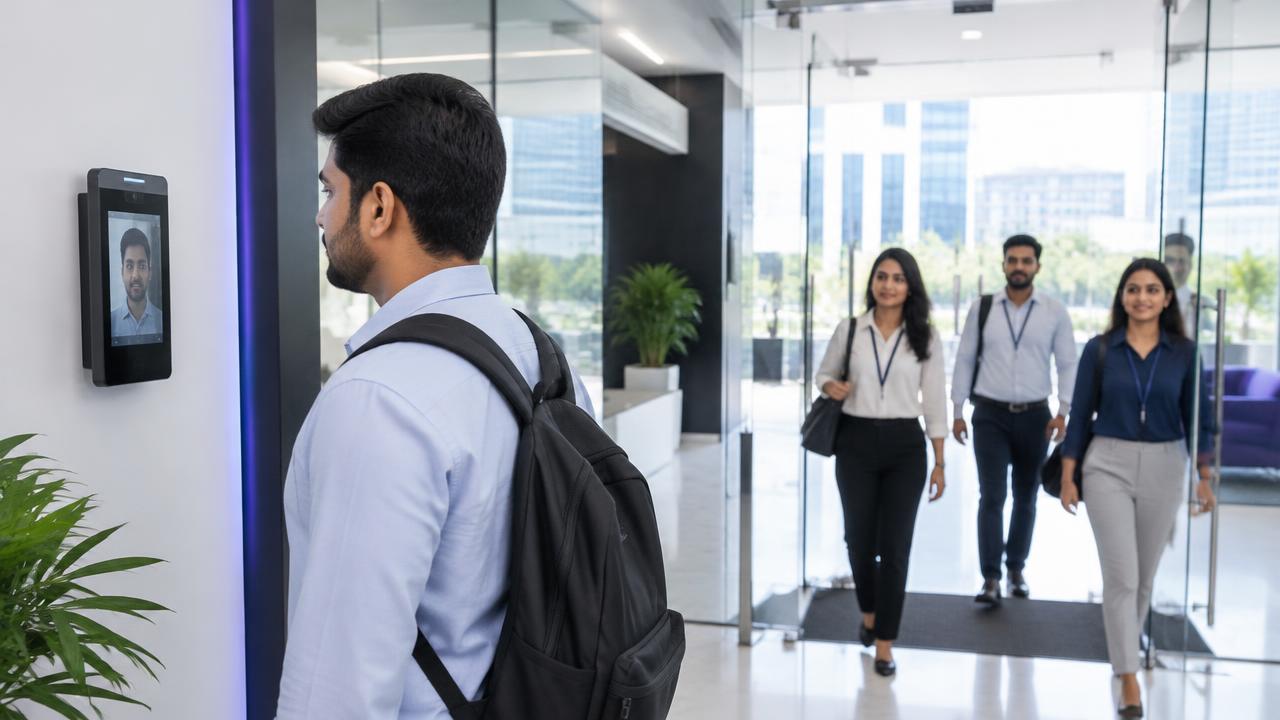
All the things you need for clearer attendance management.
1UPAMS aids in the organisation of employee attendance by means of digital workflows, whether it's dealing with daily check-ins, shift scheduling, or managing remote teams and those with multiple locations.
Core attendance management features
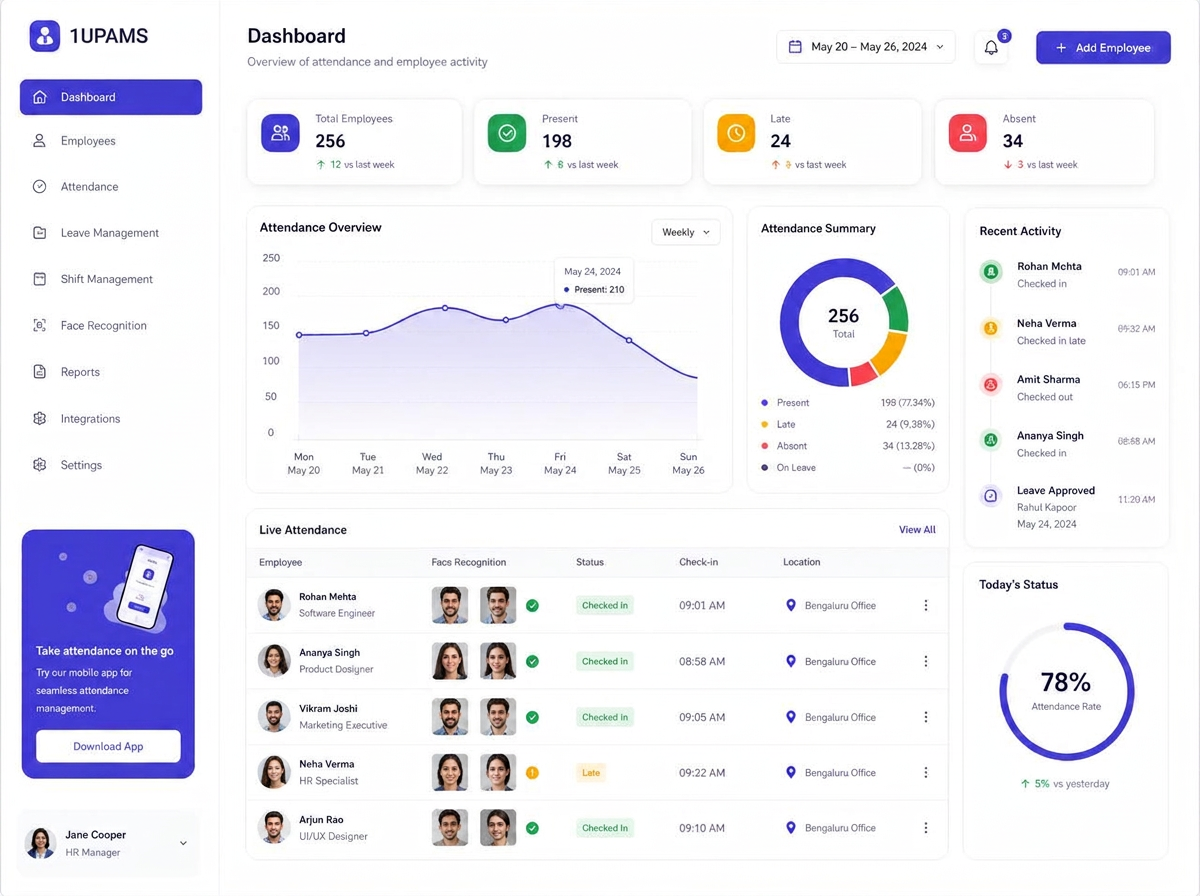
Interactive attendance dashboard
You can find attendance information all in one place, with access to the records for currently employed staff, those who are late and those who are absent. Having a central dashboard will make it easier for HR teams to look over the day and spot the records that need to be dealt with.
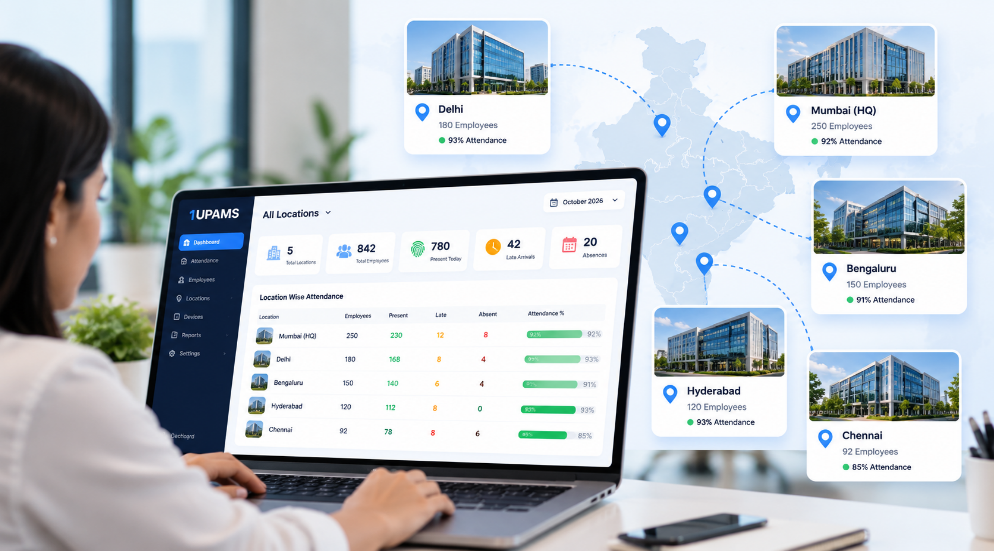
Multiple locations
For any organisation which has more than one office or site, having centralised attendance visibility enables administrators to review the records from various locations without them having to gather the individual reports.
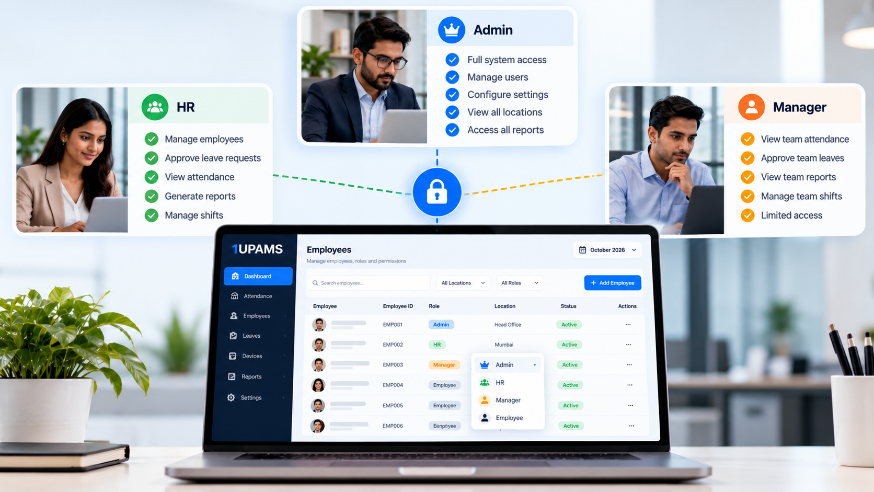
Role-based access
Use the available permissions to set up appropriate access for HR staff, managers, and administrators so that they can work with the attendance information relevant to their responsibilities.
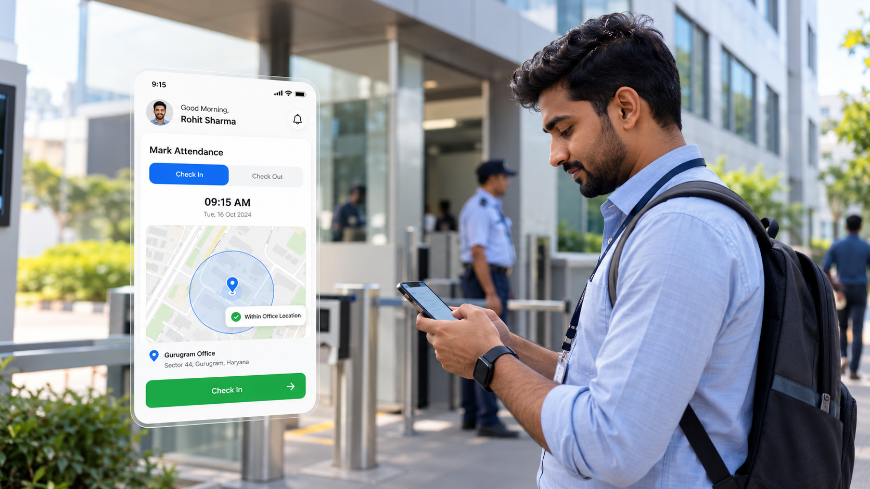
Geo-fencing
Where possible, set up a virtual boundary around a work location in order to assist with the assessment of whether a mobile attendance entry was made within the anticipated area. The actual accuracy will depend on the device's location services and the configured workflow.
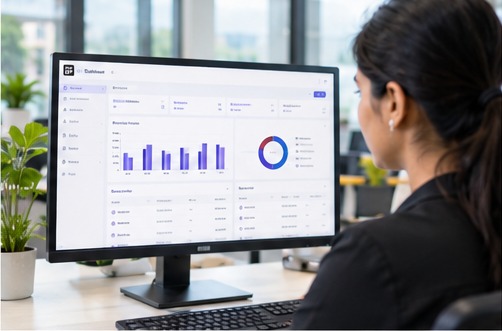
Custom attendance reports
You can review attendance by looking at it according to employee, department, date range or location using the available report filters. Make sure that the export formats and fields are confirmed for the selected deployment.
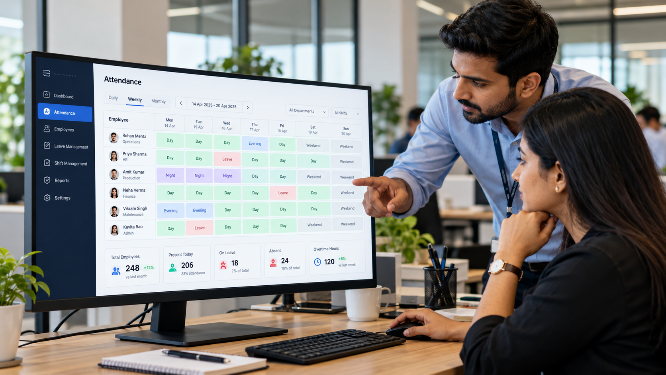
Shift assignment and week-off roster
Arrange the shifts and rest days for individuals or teams and then check attendance against the relevant schedule. This in turn makes it easier to carry out follow-up regarding shifts and to review the rosters.
Custom branding
Where available, use the branding options that are provided, such as the company's logo or its colours, when setting up your configuration.
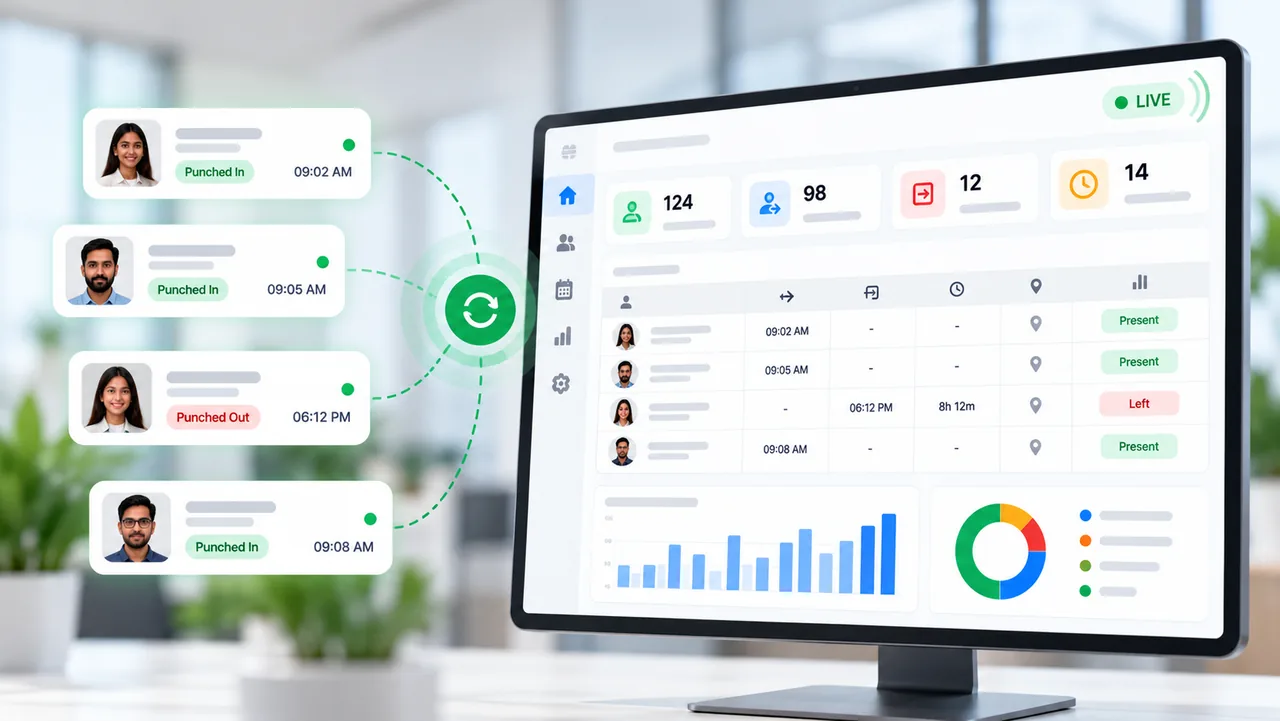
Live attendance view
Look at the attendance information using the dashboard. The need to refresh will vary according to the system settings and the level of connectivity.

Employee categories
Organise the employees according to the categories they are associated with, for example team or department, in order to make filtering and reporting easier.
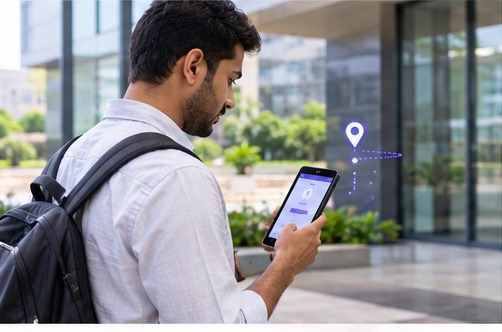
Remote attendance
Field or remote workers who are eligible can use supported mobile workflows to record their attendance, and location verification will depend on the settings and the device permissions.
Security, compliance and customisation
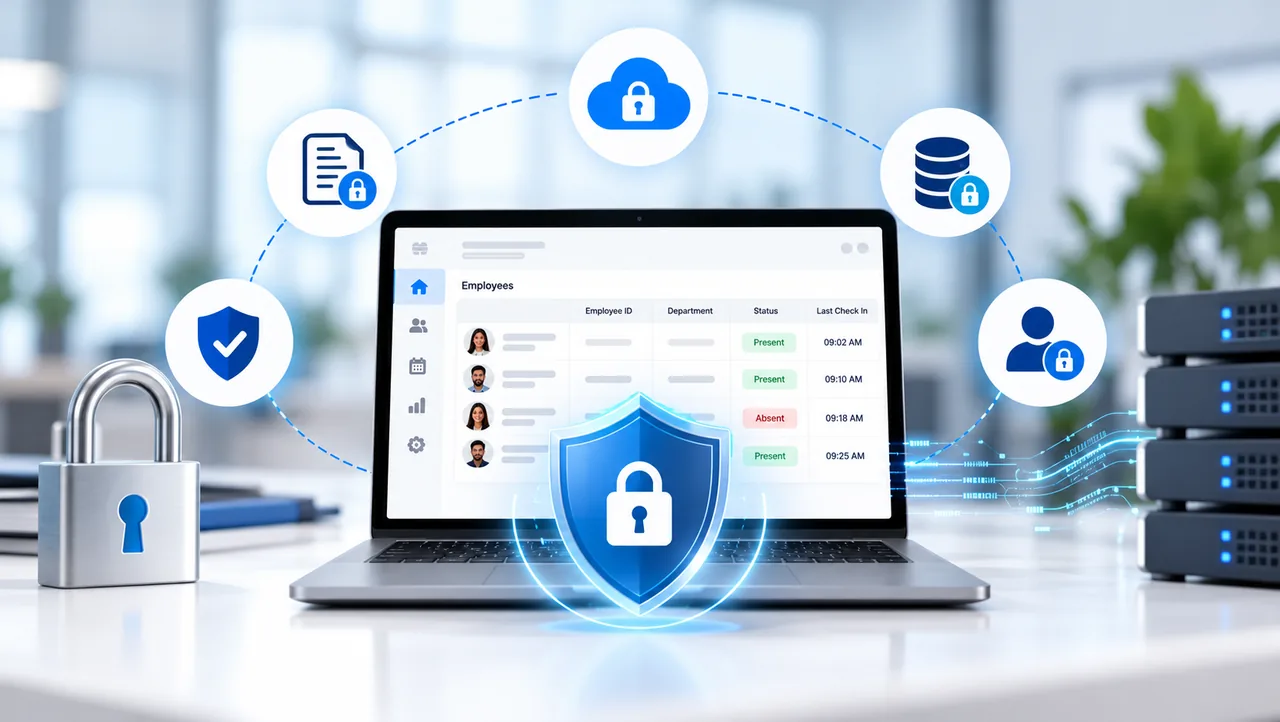
Data security and access controls
The attendance data should be protected using the security measures available in your deployment. Before placing any trust in them, check with the 1UPAMS technical team about the encryption, the retention policies, the access controls and all the other security measures.
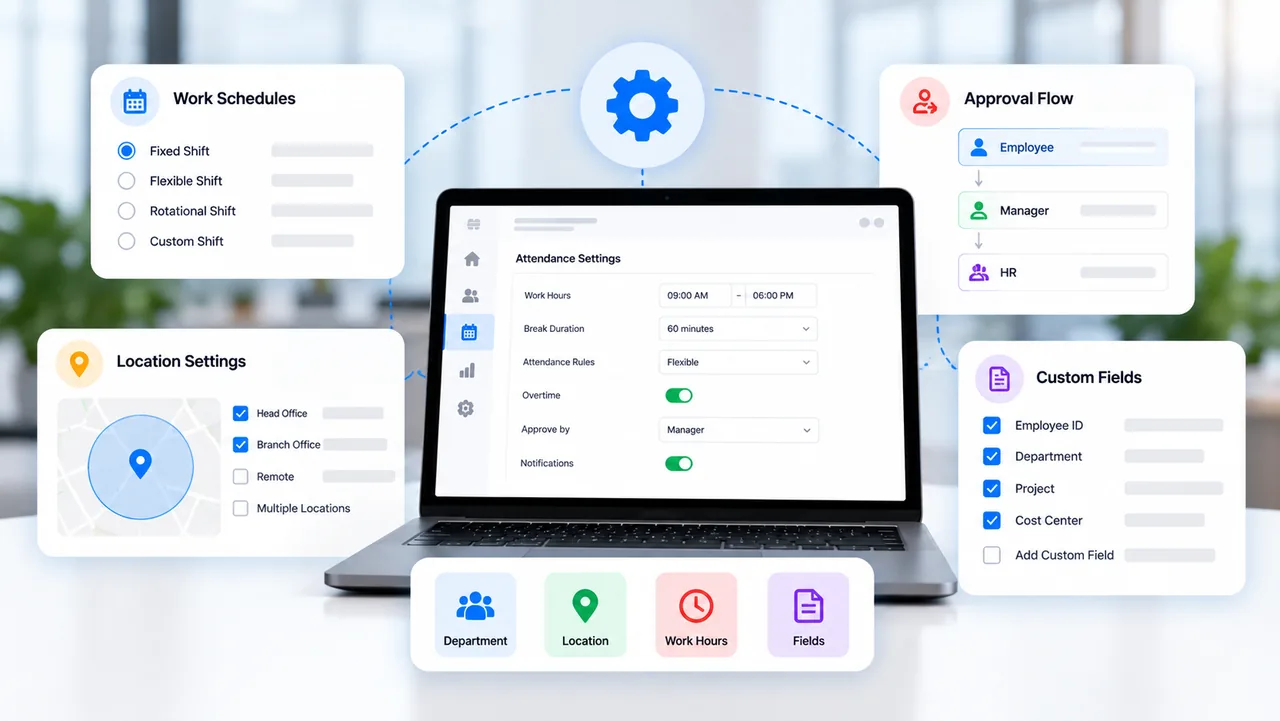
Configurable workflows
All organisations have their own rules regarding attendance. To find out which workflows you can set up for your business, you should talk over your shift patterns, reporting needs, the devices you use and the integrations involved.